Anthony Nguyen
Senior Product Manager
$50M+ in revenue impact, combining strategic vision with the technical fluency to move fast and bridge the gap between product and engineering.

Some
Things I've Built
Why I Built This
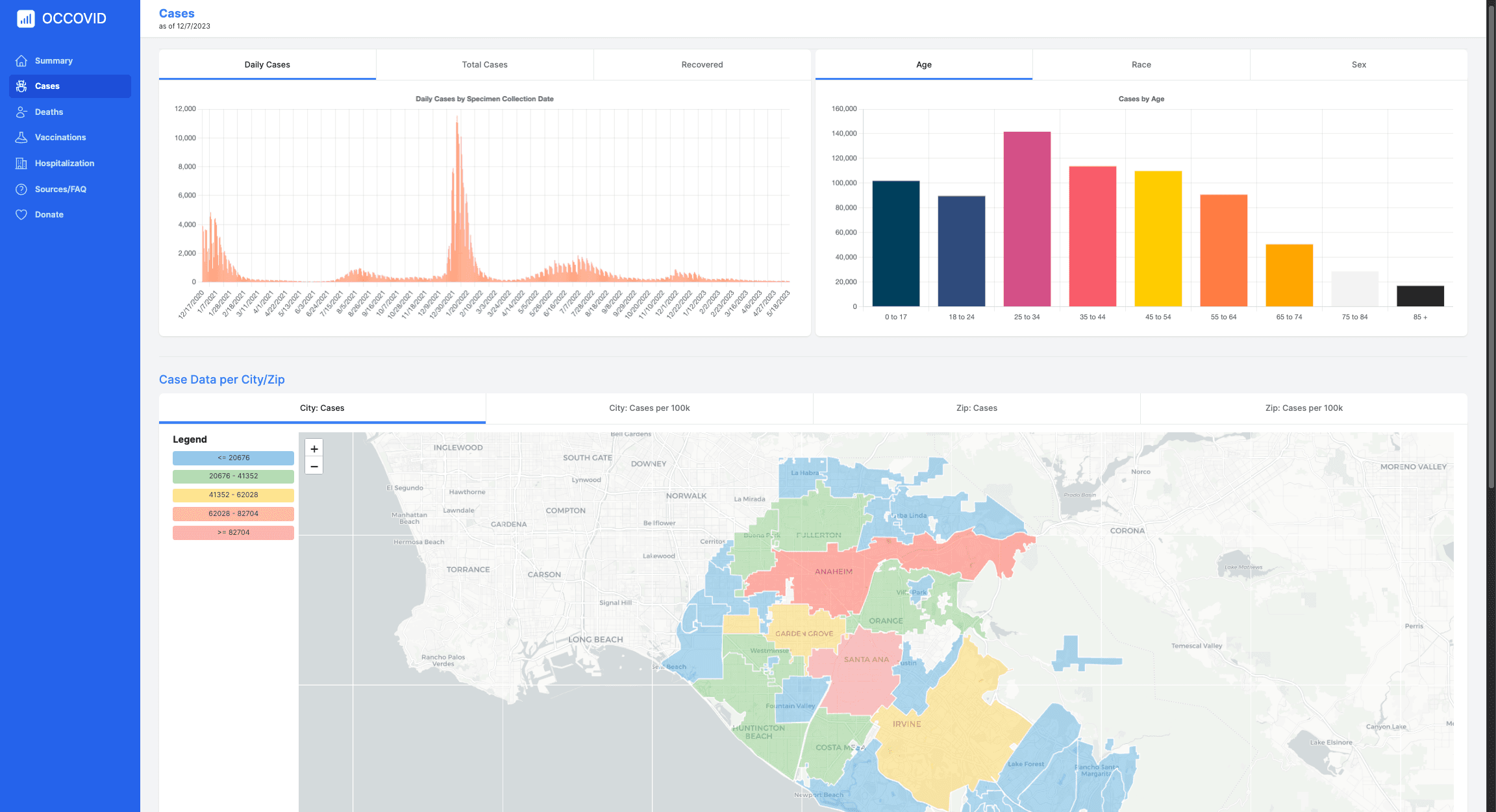
At the beginning of the pandemic, Orange County did not provide a comprehensive or mobile-friendly dashboard. The county posted daily numbers but no aggregate view showing how the pandemic was evolving. I started manually tracking the numbers in a spreadsheet and publishing static dashboards in Google Slides, sharing them on Reddit and Twitter with local communities. Within a week, the dashboards were getting consistent daily traffic — including visits from county officials. It became clear that Google Slides wouldn't scale as the data grew, and the experience on mobile was poor. So I built a real site.
Achievements
- 800,000+ total page views with ~50,000 returning users at peak
- Featured on local radio stations and school interviews
- Received multiple offers to place ads on the site, which I declined to keep it free for the community
How It Was Built
I launched the first version within two weeks of starting the project, beginning with only HTML and CSS and picking up JavaScript along the way. As the site grew in complexity and user base, I rebuilt it from the ground up in React in under a week after self-teaching the framework. It was later refactored to Next.js and Tailwind CSS as I adopted those technologies. During the site's active lifecycle, I integrated a third-party API to pull live county data daily and built a pipeline to archive that data over time.
Community Engagement
Throughout the project I used Twitter and Reddit to keep local residents informed about new data and site features. That same community became an active feedback loop — filing bug reports, suggesting new data sources, and requesting specific visualizations. The push notification system came directly from user requests as the daily audience grew.
Key Features
- Time-based visualizations for each key COVID metric tracked by the county
- Map-based views displaying case rates, deaths, and vaccination data by city and zip code
- Push notification system allowing users to subscribe to alerts when new daily numbers were published
- Fully responsive, mobile-first design
- Archived data ensuring the dashboard remains accessible after live data sources went offline
Cogility Docs
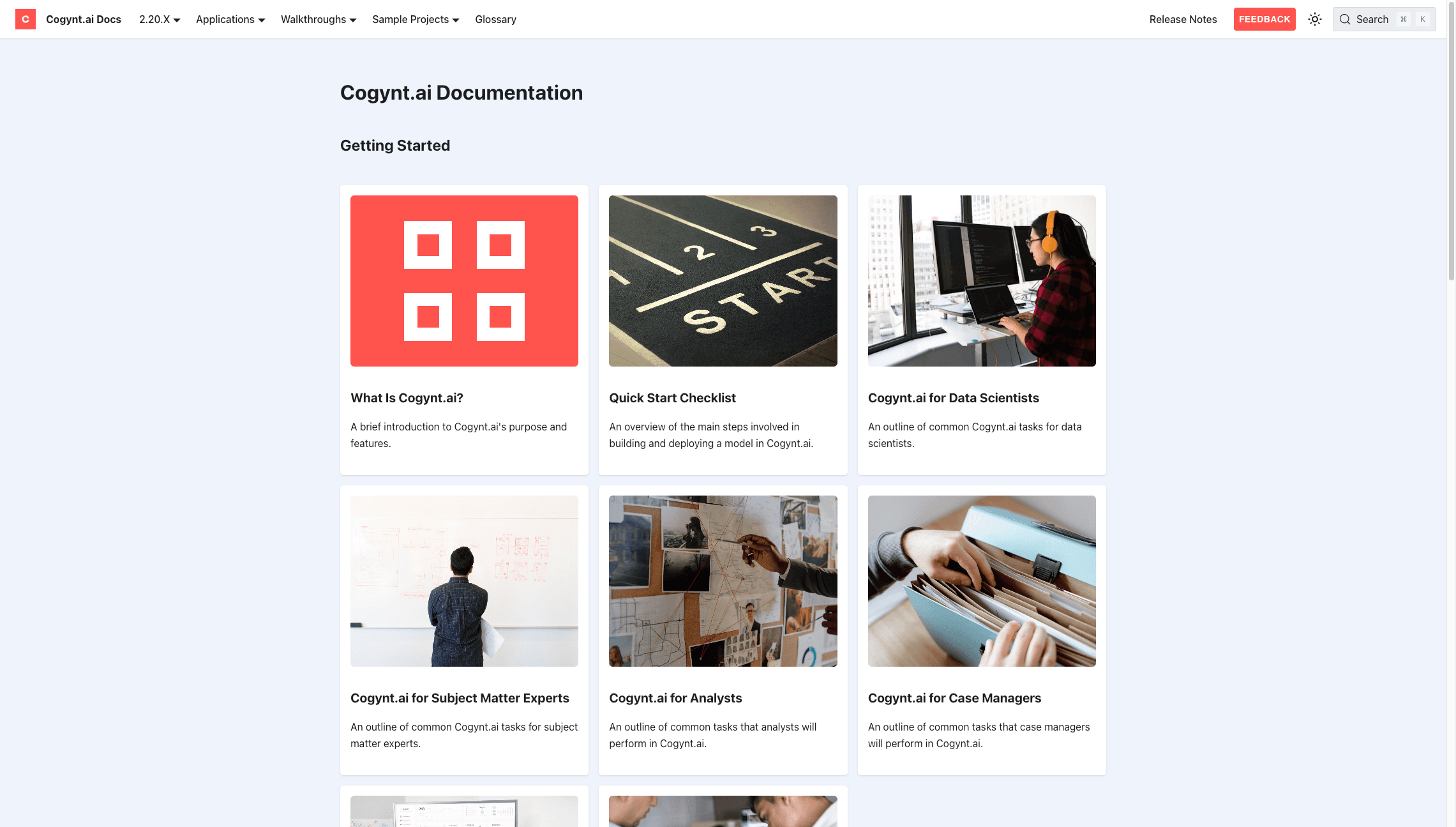
The official user-facing documentation platform for Cogynt.ai, featuring multi-versioned docs, release notes, and Algolia full-text search.
Why I Built This
Cogility needed a centralized place to host documentation that could scale with a quarterly release cycle across multiple product versions. The system also had to be low-maintenance enough for a non-technical documentation team to own end-to-end — publishing, deploying, and iterating without any engineering or DevOps involvement.
Achievements
- Launched and deployed the production site in under 1 week
- Averages 1,000+ monthly page views with Google Analytics fully integrated
- Algolia DocSearch configured and live without any engineering involvement
- Custom PDF export built to generate a complete downloadable user guide per version
- Documentation team fully onboarded and self-sufficient on day one
How It Was Built
Built on Docusaurus with TypeScript and hosted on Vercel with automatic deployments on every push. I set up a preview branch environment with a custom login screen so that in-progress documentation could be shared internally for feedback without being publicly accessible. Algolia search is connected across all documentation versions so users can search the full content of any user guide regardless of which version they are on.
Key Features
- Multi-doc plugin system supporting versioned user guides alongside non-versioned content like blog posts and sample libraries
- Full-text search across all documentation versions powered by Algolia DocSearch
- Custom PDF export to download a complete user guide for any version
- Preview deployments with a custom login screen restricted to Cogility employees
- In-line comment system on preview deployments for documentation team feedback
- Custom image lightbox for full-screen screenshot viewing
- Send Feedback button to collect user responses directly from the docs
Why I Built This
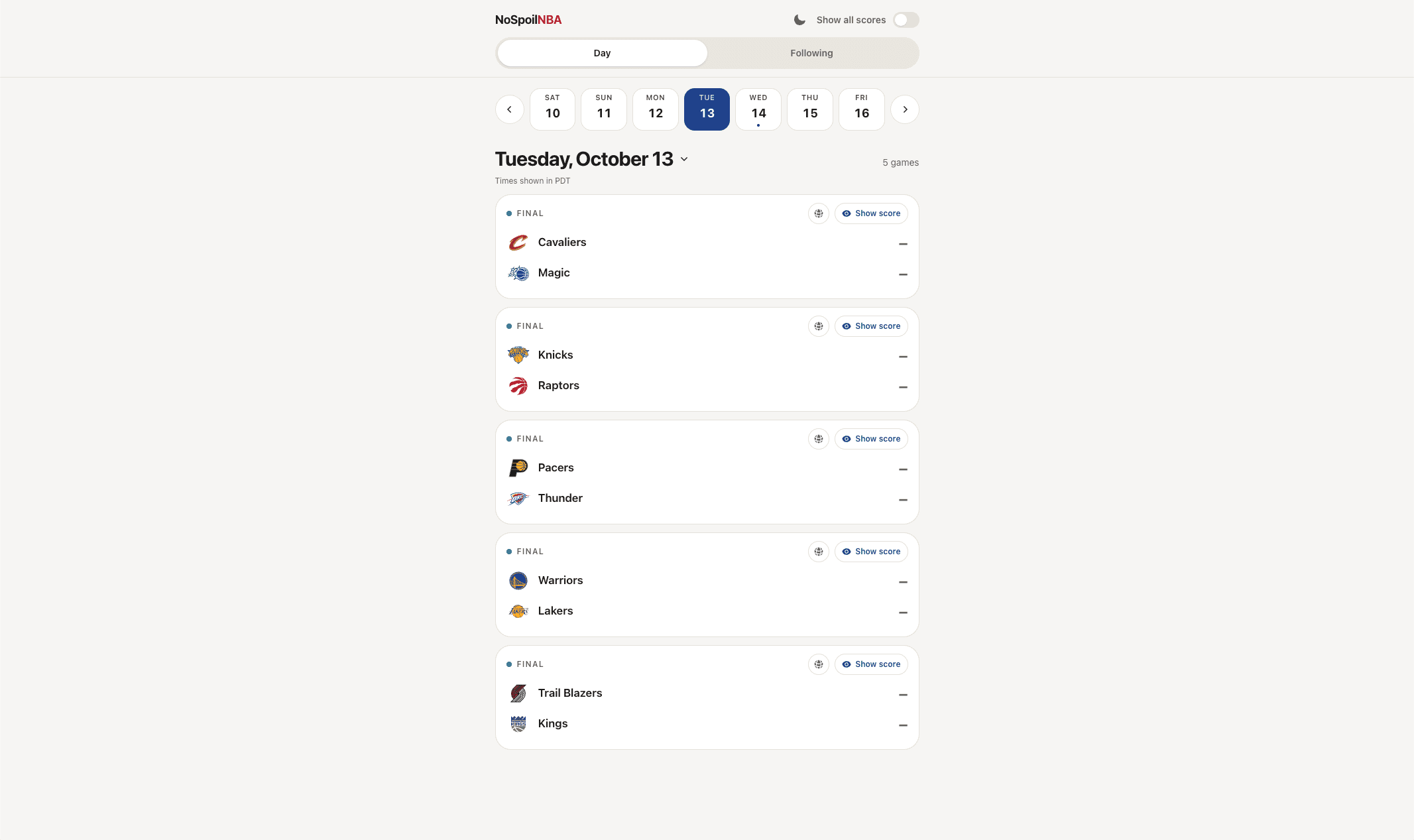
I watch NBA games a few hours or days after the game on NBA League Pass so that I could fast-forward passed the timeouts, or just due to a lack of time watching to watch them live. The problem was I'd always spoil the results of the game when I would Google search game times and schedules, or Twitter would send me notifications or show things on my feed that spoils the game. This app uses the ESPN APIs to show games each day and defaults to hide scores, as well as basic features to follow your favorite teams to see upcoming/recent games.
Key Features
- Scores hidden by default: look up a game without being spoiled
- Per-game reveal: reveal only the game you just finished watching
- Global "reveal all" toggle: an opt-out for when spoilers no longer matter
- Follow your teams: skip the full league slate and see only upcoming and recent games for the teams you care about
- Date strip and calendar sheet: jump to any day or month quickly on a phone
- Times in your local time zone: tip-off times are converted automatically, with a note showing which zone is used